Compress a PDF to 300 KB, Right in Your Browser
Shrink a scanned PDF to under 300 KB for an application or upload form. Pages keep their size, nothing is uploaded, and it is free with no sign-up.
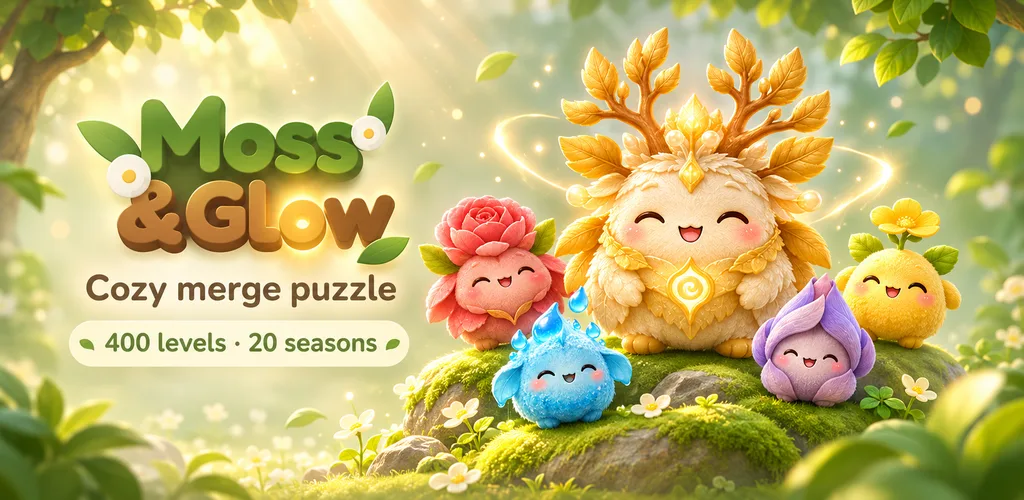
 Got 2 minutes? Unwind with Moss & Glow, the cozy merge game made by the BatchSet team.Play free
Compressed in your browser. Free, no sign-up, the PDF never leaves your device.
Drop a PDF, or click to browse
Compressed to 300 KB as soon as you add it. Up to 60 pages.
Made by the BatchSet team
Your cozy coffee-break game 🌿
Drop little forest friends, merge two of a kind and watch them grow, from a tiny Seedlet all the way to the golden Worldtree. Calm, cute and made for a few minutes between tasks.
- 400 levels
- 21 friends to discover
- 20 seasons
- Free
Quick answer
BatchSet compresses a PDF to 300 KB free and entirely in the browser, with no upload and no sign-up. It renders each page as an image at up to 150 DPI and rebuilds the PDF, lowering JPEG quality first and resolution only if needed (never below 60 DPI). Pages keep their size, files already under 300 KB are returned untouched, and text in the result is no longer selectable.
How to use the Compress PDF to 300 KB
Three quick steps — free, private, right in your browser.
Add the PDF
Drop a scanned or photographed PDF, up to 60 pages. The target is already set to 300 KB.
It compresses right away
The tool finds the sharpest version that fits 300 KB, in your browser.
Download
Check the new size, pages and DPI, then save the PDF.
Features
- Lands under 300 KB, or tells you why not
- Room for several scanned pages
- Quality first, resolution only if needed
- Up to 60 pages
- Runs in your browser, no upload
- Free, no sign-up
Use Cases
- Multi-page certificates and transcripts
- Admission, job and exam uploads
- Scanned forms that must stay readable
- Email attachments with a size limit
Frequently asked questions
How do I compress a PDF to 300 KB?+
Drop the PDF and it is compressed in your browser right away. Each page is drawn as an image at up to 150 DPI and the PDF is rebuilt from those images. The tool tries higher JPEG quality first and lowers the resolution only when quality alone is not enough, never below 60 DPI, where text stops being readable. You see the final size before you download.
Will a 300 KB PDF still be readable?+
For a scan of a few pages, yes: 300 KB leaves room for a good JPEG quality at 100 to 150 DPI. The result line shows the DPI and quality the tool settled on before you download.
Will the text in my PDF still be selectable?+
No. Every page is saved as an image, so text can no longer be selected, copied or searched, and links are removed. For scanned certificates, marksheets and photographed documents, which are images already, nothing visible changes. For a PDF made in a word processor, keep the original as well.
Is my PDF uploaded?+
No. The PDF is read, compressed and saved on your own device. Nothing is sent to us, which matters for marksheets, IDs and other personal documents.
My PDF is already under 300 KB. What happens?+
Nothing is changed. The tool says it already fits and gives you the original file back, untouched.
I have photos, not a PDF. What do I use?+
Use JPG to PDF 300 KB. It turns one or many photos into one PDF under 300 KB in a single step.
Related free tools
Compress PDF to 200 KB
Shrink a scanned PDF to 200 KB for an application or upload form. Pages keep their size, nothing is uploaded, and it is free with no sign-up.
OpenCompress PDF to 500 KB
Bring a large scanned PDF down to 500 KB while keeping it sharp enough to read. Free, no sign-up, and the file never leaves your device.
OpenJPG to PDF 300 KB
Turn one or many photos into a single PDF under 300 KB, or any size you type. Pages in your order, A4 or each photo's own shape. Free, nothing uploaded.
OpenReduce PDF Size in KB
A free PDF KB reducer: type the size you need in KB and get a PDF that fits. No sign-up, nothing uploaded. Works for 100 KB, 200 KB, 300 KB, 500 KB, 1 MB or any size.
OpenSee also
Want more power?
Unlock bulk Excel jobs, watermarking, file backup and more. Free to start.
Start for Free — No Card Required