Make an Image Low Quality, Free and in Your Browser
Make a picture low quality on purpose: blurry, blocky and tiny in KB. Four levels from a bit worse to potato, many images at once. Free, no sign-up, nothing uploaded.
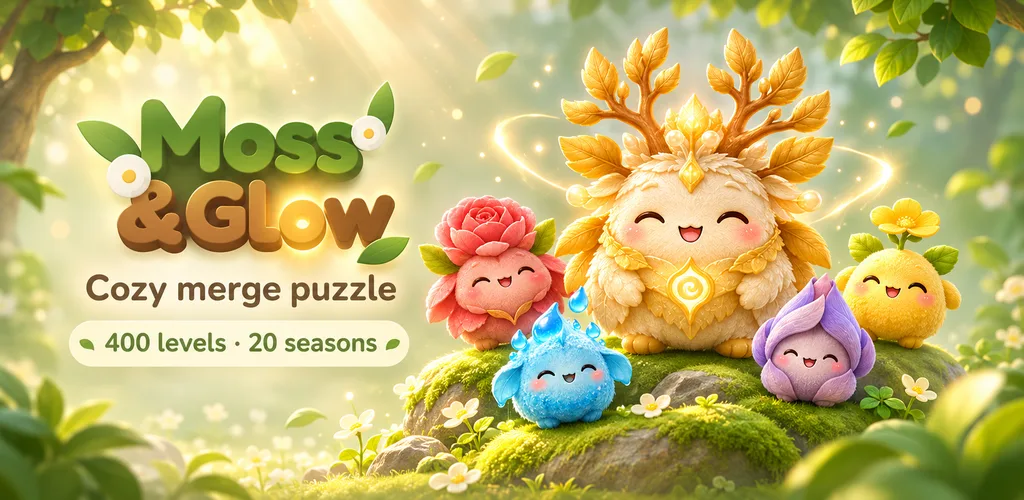
 Got 2 minutes? Unwind with Moss & Glow, the cozy merge game made by the BatchSet team.Play free
Made in your browser. Free, no sign-up, your images never leave your device.
Drop images, or click to browse
JPG, PNG, WebP, GIF, BMP or AVIF. Many at once is fine.
Made by the BatchSet team
Your cozy coffee-break game 🌿
Drop little forest friends, merge two of a kind and watch them grow, from a tiny Seedlet all the way to the golden Worldtree. Calm, cute and made for a few minutes between tasks.
- 400 levels
- 21 friends to discover
- 20 seasons
- Free

Quick answer
BatchSet makes images low quality on purpose, free and entirely in the browser, with no upload and no sign-up. It shrinks each image and saves it as a JPG at a low quality: A bit worse is 75% size at quality 40, Low 50% at 20, Very low 25% at 8 and Potato 12% at 3. With Keep the original pixel size on, the result is stretched back to the original dimensions, so it looks blurry and blocky; off, the file stays small. Many images can be done at once with a ZIP download. Transparency turns white and an animated GIF gives its first frame.
How to use the Low Quality Image
Three quick steps — free, private, right in your browser.
Add your images
Drop one or many JPG, PNG, WebP, GIF, BMP or AVIF images.
Pick how low
A bit worse, Low, Very low or Potato. Keep the pixel size for a blurry, blocky look, or turn it off for a tiny file.
Download
Compare before and after, then download one JPG or a ZIP of them all.
Features
- Four levels, from a bit worse to potato
- Keep the pixel size or make it tiny
- Before and after side by side
- Many images at once, one ZIP
- JPG out, transparency turned white
- Runs in your browser, nothing uploaded
Use Cases
- Memes and jokes that need that potato look
- Placeholders and mock-ups
- Test how a site handles poor images
- Very small files for slow connections
How the Low Quality Image compares
| You want | Use |
|---|---|
| A blurry, blocky, low-quality look | Low Quality Image Maker (this page) |
| Big square pixels over all or part of a photo | Pixelate Image |
| A soft blur, or to hide a face or a number | Blur Image |
| A file under a size, still looking good | Reduce Image Size in KB |
Frequently asked questions
How do I make an image low quality?+
Drop the image here and pick a level. The tool shrinks it, saves it as a low-quality JPG and, with Keep the original pixel size on, stretches it back to its old size, so the lost detail shows as blur and blocks. Compare before and after, then download.
What do the levels do?+
A bit worse shrinks to 75% at JPEG quality 40. Low goes to 50% at quality 20. Very low goes to 25% at quality 8. Potato goes to 12% at quality 3, which is about as bad as a picture gets.
How do I make the file as small as possible?+
Turn off Keep the original pixel size. The image is then saved at its shrunk size, which is often just a few KB. For a set size, such as 50 KB for a form, use Reduce Image Size in KB, which keeps the picture as good as it can.
Why is a transparent PNG now white behind?+
The result is a JPG, and JPG has no transparency, so see-through areas are filled with white.
Can I make a GIF low quality and keep it moving?+
No. A GIF comes out as a still JPG of its first frame. To shrink an animated GIF, use GIF Compressor.
Is it free, and are my images uploaded?+
It is free with no sign-up, and the images are processed by your own browser. They are never sent to us.
Related free tools
Pixelate Image
Pixelate a photo or screenshot in your browser. Pixelate the whole image, or drag a box over a face, a name or a number plate. Pick the pixel size, do many images at once and download. Free, no sign-up, nothing uploaded.
OpenBlur Image
Blur a whole photo, or drag a box over a face, a name or a number plate. The blur is written into the pixels, so what it covers is gone. Free, nothing uploaded.
OpenReduce Size in KB
A free photo resizer in KB: type the size you need and get a JPG that fits. No sign-up, and nothing leaves your device. Works for 20 KB, 50 KB, 100 KB, 200 KB or any size.
OpenJPEG to JPG
JPEG and JPG are the same format, so this changes the extension and keeps every byte of the image. Many files at once, and a file that is not really a JPEG is flagged. Free, nothing uploaded.
OpenWant more power?
Unlock bulk Excel jobs, watermarking, file backup and more. Free to start.
Start for Free — No Card Required